IaC : Terraform + Ansible
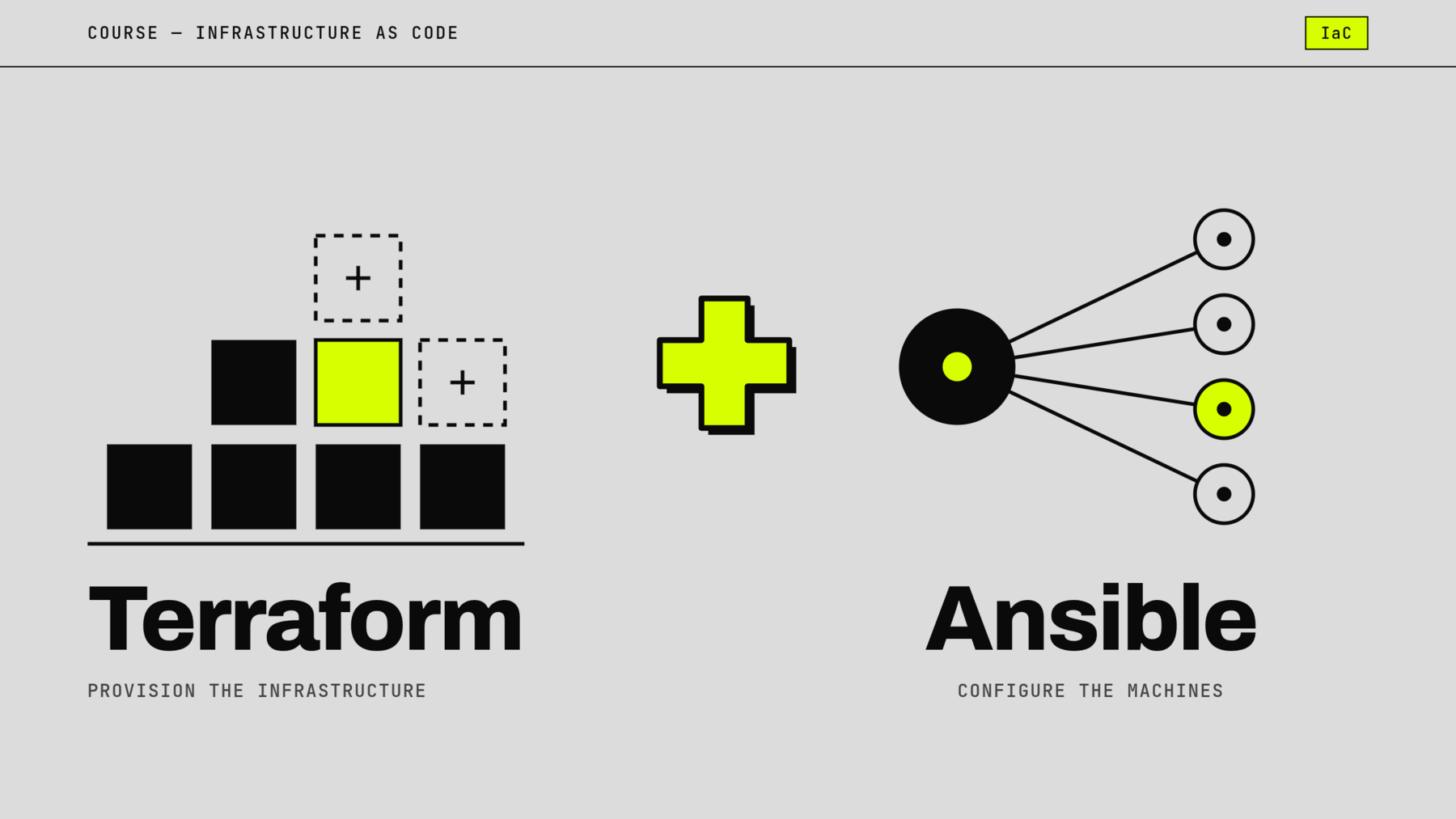
Infrastructure as Code: Terraform and Ansible — module 5HASH, Supinfo.
In September 2026, I taught the 5HASH “Infrastructure as Code” module to a Master’s class at Supinfo Tours: four days of lectures and hands-on labs, followed by a group project and an oral defence.
Ahead of the session, I updated the material provided by the school and rewrote every lab so that it runs entirely locally, on Floci, an AWS emulator: no cloud account, no cost, no risk for the students.
| Format | 4 days · 7 lectures, 8 hands-on labs and 1 bonus lab, a project solo, in pairs or in groups of three |
| Level | Master’s year 2 — Grande École programme |
| Class | Tours, PGE 2026-2027 · 11 students |
| Tools | Terraform, Ansible, AWS (EC2, VPC, ALB, Auto Scaling, RDS, S3, Secrets Manager, IAM), Floci, Docker, GitLab CI |
Day 1 — Terraform fundamentals
Theory
Why Infrastructure as Code, from physical servers to the cloud, an overview of the tools (Terraform, OpenTofu, Pulumi, Ansible) and the key concepts: providers, resources, state, the plan / apply cycle. Then the HCL language and reading existing infrastructure with data sources.
Practice
A first lab walks through the full lifecycle of an infrastructure with Docker containers, from creation to destruction. The second drives emulated AWS services (S3, DynamoDB, SSM, SQS, EC2) in the middle of an existing infrastructure: what Terraform owns, and what it only reads.
Day 2 — Structure, collaborate, secure
Theory
Modules, variables, outputs and locals; state management, backends and workspaces, secrets and infrastructure drift.
Practice
A common thread, CatCompressor, an image thumbnail pipeline (S3, SQS, containers), grows from lab to lab: splitting into reusable modules, dev and staging environments composed from the same code, state shared on S3 with native locking, workspaces, secrets in AWS Secrets Manager, detecting and fixing drift, migrating the state to GitLab. As a bonus: continuous integration with terraform test.
Day 3 — Ansible: configuring servers as code
Theory
How Ansible works, inventories, playbooks, roles and idempotence; managing files, handlers and execution control.
Practice
In the morning, configure two identical web servers without ever logging into them by hand: inventory, declarative playbook, reusable roles, a Jinja2 template fed with each machine’s facts. In the afternoon, write automation that only does what is needed: the right module rather than a shell command, handlers, conditions, and a critical reading of a run recap. A bonus lab offers to take over an inherited Ansible project and diagnose it before fixing it.
Day 4 — Terraform and Ansible together
Theory
Ansible Vault, Ansible Galaxy and integrating Terraform with Ansible.
Practice
Terraform describes the infrastructure (network, instances, secrets) and also Ansible’s inventory, read through a dynamic inventory: no more addresses copied by hand. Secrets are protected with Vault, and each student checks that the configuration introduces no drift. The rest of the day focuses on operations: SSH and system hardening, HTTPS, firewall, Prometheus monitoring with alerts, backups across two regions with least-privilege access, and restoring them.
The project — Taylor Shift’s Ticket Shop
To close the module, each team had two weeks to deploy the online ticket shop for a concert tour (PrestaShop) and make it able to absorb the traffic spike when sales open. Terraform for the AWS infrastructure, Ansible for the configuration, and a short README allowing a technical team to take over the solution.
The teams came up with a variety of architectures: a load balancer in front of several instances spread across two zones, Auto Scaling groups with scaling policies, an RDS database in private subnets, secrets in Secrets Manager and Ansible Vault, isolated dev, staging and prod environments, a shared and locked state.
Assessment and oral defence
I read every project’s code in full and graded each criterion of the marking scheme (30 points) with a written justification. Emulator limitations that every group ran into were not penalised.
The defence included a demo and questions prepared for each project, asked in an open way: what happens when traffic triples, when an instance goes down, where the secrets actually live, why the second Ansible run changes nothing. The goal: to check understanding of the technical choices rather than recitation.
My teaching approach
- A common thread: the same project grows from lab to lab, from the first resource to the continuous integration pipeline.
- Guided labs: the block of code is given, students adapt it and observe its effect.
- Tested instructions: each lab is replayed automatically, step by step, before every session.
- Up-to-date content: native S3 state locking, AWS provider 6, Floci replacing LocalStack Community.
- Real production habits: idempotence, secrets kept out of the code, isolated environments, reading a plan before applying it.